English article not making sense? English article ardam avvatleda?

This is Ardam. It turns any English article into natural Tenglish, right on the same page. It doesn’t teach English. Chrome extension, coming soon.

See the example

Same page. Your language.

Switch this paragraph, then point at a dotted word. On a phone, tap it. We wrote this example by hand to show the style Ardam aims for.

How a delivery app survives failure

Event sourcing stores every change as an immutable log, so a service can rebuild its state after a crash. When one order spans several services, the saga pattern undoes the finished steps if a later step fails.

lo prathi change ni oka la store chestharu. Anduke crash ayina taruvatha kuda service thana state ni malli build cheskogaladu. Oka order chala services meedha nadisthe, tarvatha step fail ayinappudu aipoyina steps ni undo chesthundi.

Not just translated.

Formal Telugu can be as hard as the English you started with. Ardam aims for how you actually talk: Telugu sentences in English letters, with technical words left alone, because your docs, interviews and teammates all use them.

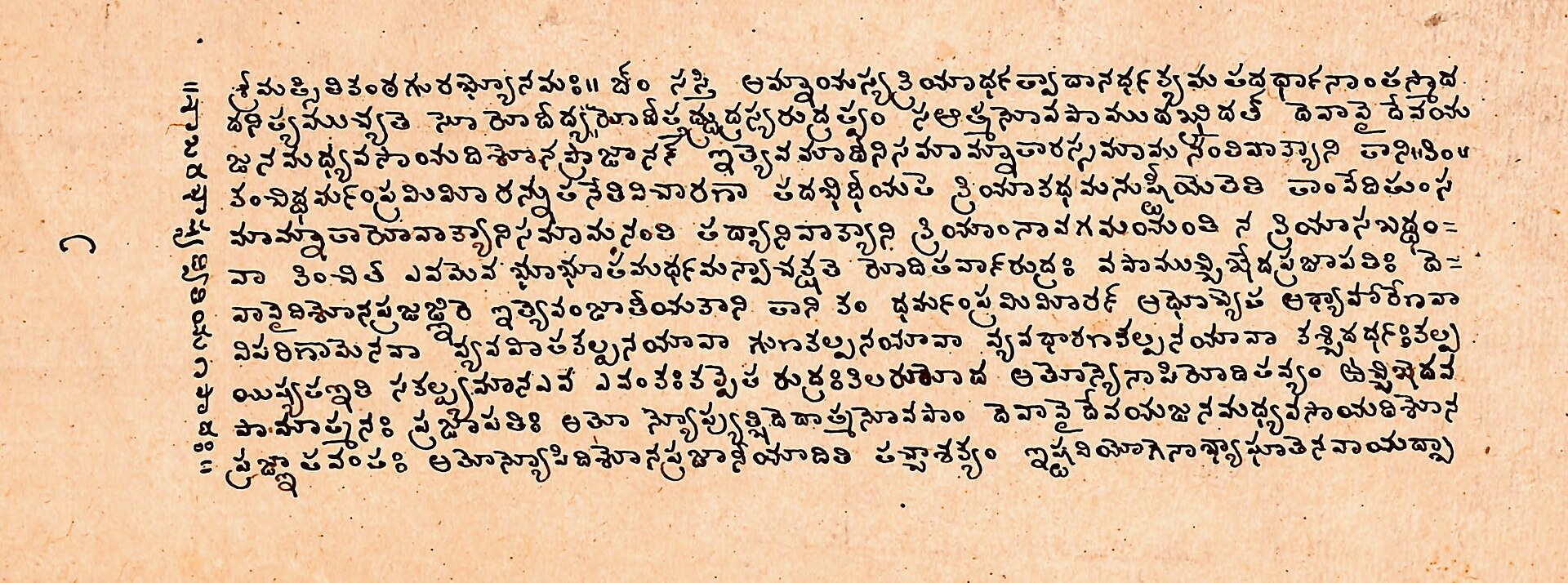
A 16th-century palm-leaf manuscript written in Telugu script
A 16th-century manuscript in Telugu script, from Andhra Pradesh.

Why not just paste it?

Need Ardam Pasting into a chatbot A regular page translator
Stays on the page No, you copy each part Yes, in place
Written in Tenglish If you ask each time Usually Telugu script
Technical words kept If you ask each time Not its focus
Meanings on hover Ask separately Not its focus
Links keep working You leave the page Yes
Back to the original Switch tabs One click
PDFs Yes, by upload Varies
What it costs Depends on your plan Usually free

Four steps. One click.

  1. First, add your key.

    Gemini, OpenAI, Anthropic or any OpenAI-compatible provider.

  2. Then open an article.

    Docs, blogs, system design posts: anything you can read.

  3. Click once to convert.

    Menus, buttons and code blocks stay as they are.

  4. Now it makes sense.

    Point at a hard word for its meaning, or go back to English.

Understand it in your own language.

Telugu has carried knowledge on stone and palm leaf for centuries. A browser is one more place for it. Read hard ideas in the language you think in, then use them in any language you need.

Telugu letters carved into temple stone at Srimukhalingam
Telugu inscription, Srimukhalingam Temple.
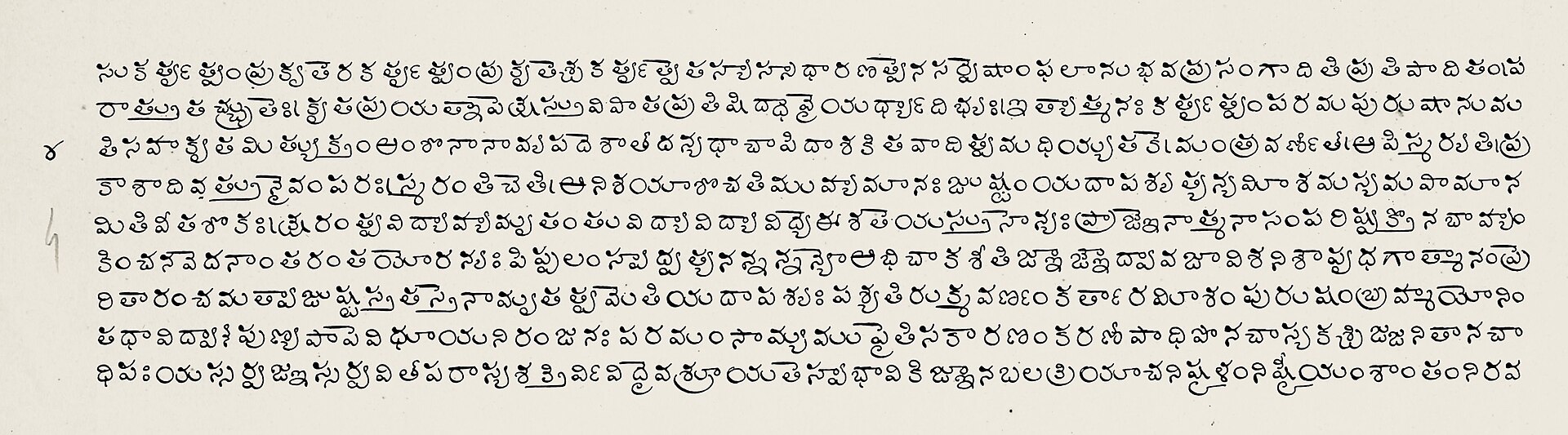
A long manuscript page written in Telugu script
Vedanta Sara manuscript, in Telugu script.
A Telugu stone inscription at Srikakulam, Krishna District
Telugu inscription at Srikakulam.

Fair questions

Does it teach English?

No. It helps you read the article in Tenglish.

What is Tenglish?

Telugu written in English letters, mixed with everyday English words. It's how many of us already text.

Is it word-for-word translation?

No. Ardam rewrites sentences so they sound natural, while its rules tell the AI not to add or remove facts.

Can the AI get something wrong?

Yes. AI can make mistakes, so check anything important against the original. It's one click away.

Why do I need my own key?

Ardam has no server, so you choose the provider and only you pay them, if at all. Some providers offer free limits.

Where does my key go?

It stays in your browser and is sent only to the provider you picked. It isn't encrypted on your device, so avoid shared computers.

What does the provider see?

The text of the page you convert. Don't convert private pages unless you're fine with your provider seeing them.

Does Ardam cost money?

The extension is free. Long pages use more of your provider's limit.

Does it work on every site?

Most article pages should work, but sites are built differently, so some may convert only part of the page or look a little off.

Does it work on PDFs?

Not yet. Web pages come first.

What about other languages?

Tenglish first, so we can get it right. Others may follow.

Can I install it today?

Not yet. It's being tested before it goes to the Chrome Web Store.

Ardam ayindha?

The extension arrives on the Chrome Web Store soon.

See the example